Introduction
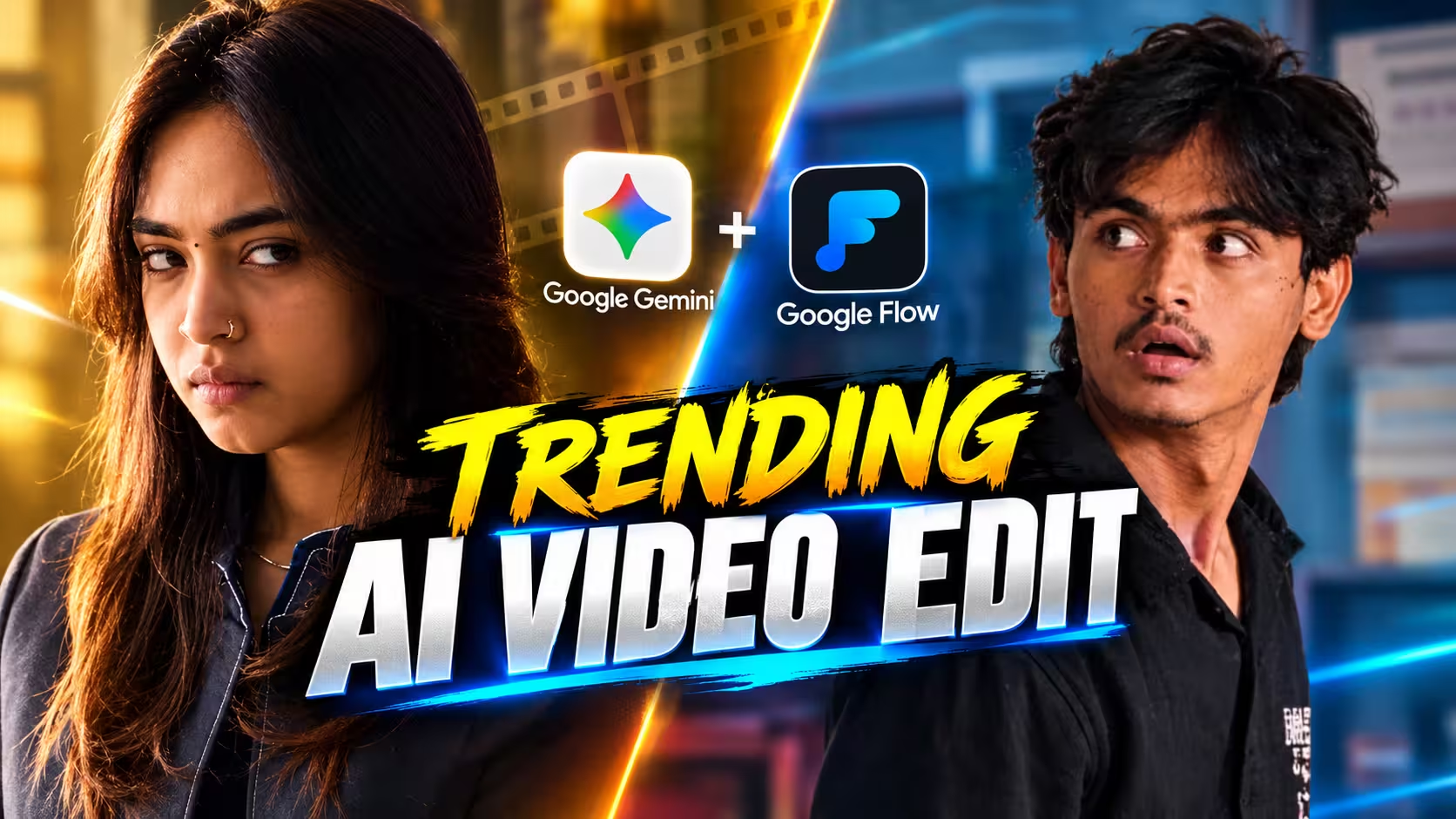
AI video creation is becoming more popular every day, especially on Instagram and YouTube Shorts. You may have already seen Reels where a normal photo is turned into a realistic-looking video with smooth camera movement, natural expressions, and cinematic effects.
The interesting part is that you don’t always need to record a new video yourself to create this type of content. With the right AI workflow, you can use your photo, a reference video, and a well-written prompt to create a completely new AI video.
In this article, we’ll look at how this reference-video technique works, what you need before creating your video, how to get better results, and some common problems you may face.
Why This Video Is Popular on Social Media
This type of AI video is becoming popular on social media because it looks realistic, creative, and different from regular photo posts. People are naturally curious when they see a familiar-looking person appearing in a cinematic video that was created with AI. The combination of a personal photo, smooth movement, and an attractive visual style makes the content more engaging. Short videos like this are also easy to watch and share, which makes them suitable for platforms such as Instagram Reels and YouTube Shorts. Another reason is the curiosity factor—viewers often want to know how the video was created. This can encourage them to watch the Reel again, leave a comment, or share it with friends. As AI video tools become easier to use, this style is likely to remain popular among creators.
What Is a Reference Video AI Reel?
A reference-video AI Reel is a video created by giving an AI tool an existing video as a visual reference. The reference video helps communicate the kind of movement, framing, camera angle, and overall presentation you want. Your own photo can then be used as the main subject, while the prompt explains exactly how the final video should look.
This is different from simply typing a sentence and asking AI to generate a video.For example, instead of writing:
“Create a cinematic video of a man.”
you can provide a reference showing the type of shot you want and then tell the AI to create a similar visual experience using your photo. This gives you more control over the creative direction.
Video Prompt ⬇️
How to Create This AI Video with Google Gemini
I am sharing the complete process for creating this cinematic AI video below. By following these steps, you can easily create a similar video of your own. Read each step carefully to avoid any issues while creating your video.
- First, copy the reference video and prompt provided in this post.
- Download the Google Gemini app from the Play Store and sign in using your Google account.
- Open Gemini, select the video generation model, and upload your reference video along with your photo.
- Paste the copied prompt into the chat and tap the Send button.
- Google Gemini will now process your request and generate the video. Wait for a few moments while the video is being created.
- Once the video is ready, preview it carefully. If you are satisfied with the result, tap the Download button to save the video to your device.
Create Your Video With Google Flow
How to Get Better Results
- Use a clear, high-quality reference image/video for better visual accuracy.
- Follow the prompt exactly and avoid changing important details unnecessarily.
- Keep the subject’s face, expressions, clothes, and overall appearance consistent with the reference.
- Generate the video in a well-lit, high-resolution format for a more realistic result.
- If the first result doesn’t look right, make small changes to the prompt instead of completely rewriting it.
- For better lip-sync and expressions, keep the Hindi dialogue short and natural.
- Try generating the video a few times and choose the most realistic result.
Common Mistakes
One of the most common mistakes while creating this type of AI video is using a low-quality or unclear reference image/video, which can lead to poor facial details and unnatural movements. Another mistake is changing too many details in the prompt at once, making it difficult for the AI to understand the exact scene you want. Avoid adding unnecessary instructions and keep the prompt clear and consistent with your reference. Also, make sure the Hindi dialogue is short and natural, because long or complicated dialogues can cause inaccurate lip-sync and expressions. If the first generation is not perfect, don’t completely change the prompt; instead, make small adjustments and generate again for better results.
Why Choose Google Gemini for AI Video Creation?
Google Gemini is a convenient choice for AI video creation because it allows users to work with reference images and detailed prompts in a simple way. You can describe the scene, movement, camera style, expressions, and dialogue you want, making it easier to turn your creative idea into an AI-generated video. It is also beginner-friendly, so you don’t need advanced video-editing skills to get started. By using a good reference and a properly written prompt, you can experiment with different cinematic styles and create engaging videos for platforms like Instagram Reels and YouTube Shorts.
Frequently Asked Questions (FAQ)
1. Can I create this AI video using my own photo?
Yes, you can use your own clear photo as a reference and follow the given prompt to create a similar AI video.
2. Do I need a high-quality photo for better results?
Yes. A clear, well-lit photo with the face properly visible usually gives better and more realistic results.
3. Can I add Hindi dialogue to the AI video?
Yes, you can add Hindi dialogue. Keep it short and natural for better expressions and lip-sync.
4. Why does my AI video look different from the reference?
AI results can vary. Use a clear reference, follow the prompt carefully, and make small adjustments if needed.
5. Can I generate the video more than once?
Yes. If the first result is not satisfactory, generate it again or make small changes to the prompt for a better result.
Final Thoughts
Creating cinematic AI videos has become much easier with the right reference video and a well-written prompt. By following the process shared in this guide, you can create engaging and realistic AI videos using your own ideas and photos. Keep your reference clear, use the prompt carefully, and don’t worry if the first result isn’t perfect. Try small changes and generate again until you get the desired result. With a little practice, you can create impressive AI videos with natural visuals, expressions, and Hindi dialogue that are perfect for Instagram Reels, YouTube Shorts, and other social media platforms.