Introduction
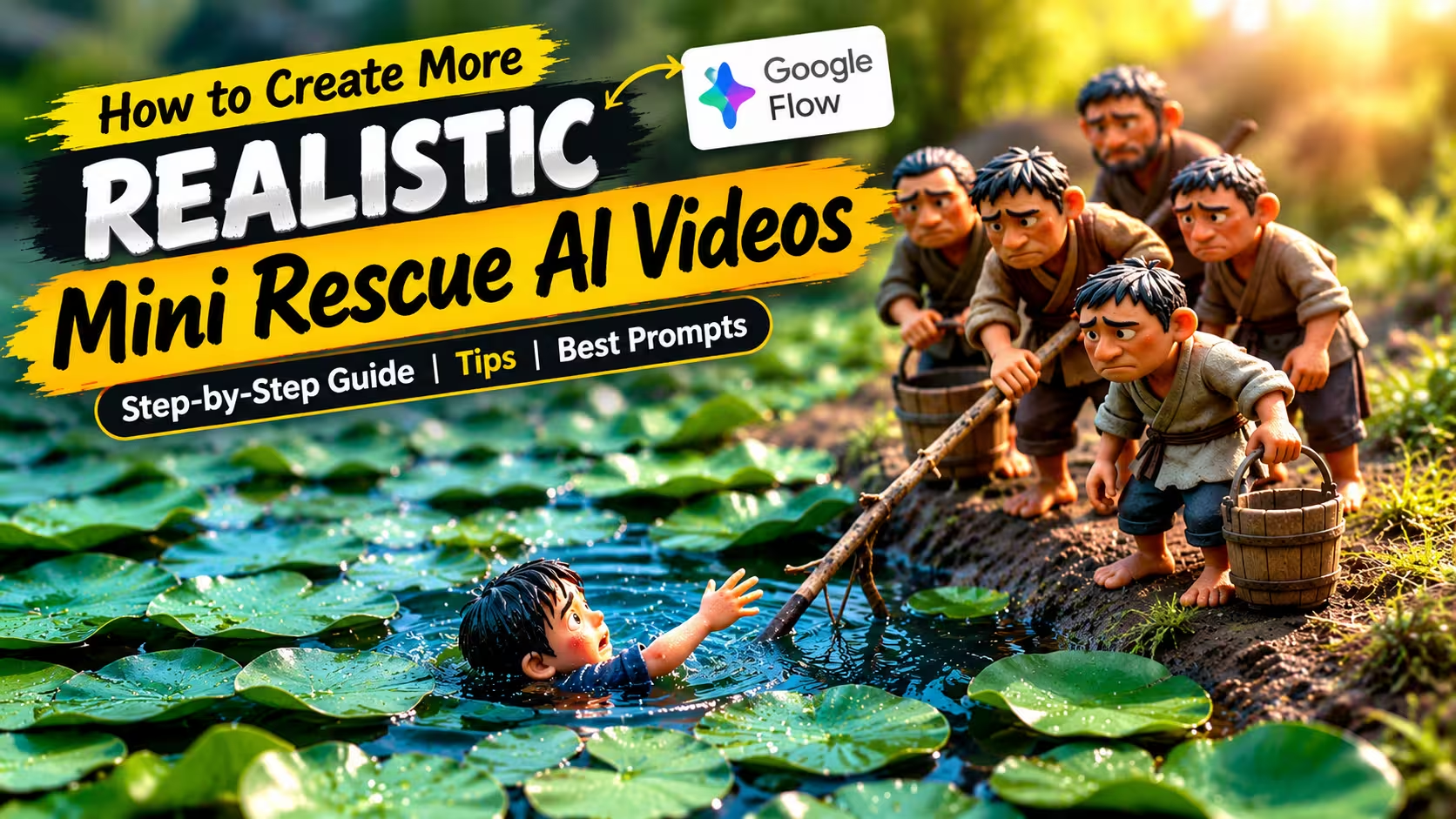
Mini rescue videos are becoming an interesting trend among people who enjoy short, emotional, and visually engaging content. These videos often show tiny characters rescuing animals, helping someone in danger, or performing a small act of kindness in a dramatic situation. Despite their short duration, they can tell a complete story and keep viewers interested until the end. The best part is that you do not need a professional camera, expensive equipment, or advanced video editing skills to experiment with this style. With an AI video creation tool like Google Flow and a well-written prompt, you can turn a simple idea into a short cinematic scene.
In this guide, you will learn how to create mini rescue AI videos using Google Flow, how to write effective prompts, and how to improve your results. Whether you are a beginner or a content creator looking for fresh ideas, these steps will help you get started.
What Are Mini Rescue AI Videos?
Mini rescue AI videos are short, story-based videos that focus on a rescue or helping moment. For example, a tiny worker might rescue a kitten trapped near a stream, a miniature team might save a bird from a storm, or a small group of characters might help an animal cross a dangerous path. These scenes often use miniature environments, realistic textures, cinematic lighting, and close-up camera shots. The small scale makes ordinary situations look more dramatic and visually interesting.
AI video tools can help bring these ideas to life by generating scenes from written descriptions. Instead of filming every moment yourself, you describe the characters, location, actions, and camera movement in a prompt. However, the final result depends on your idea, the quality of your instructions, and the capabilities of the video tool you use.
Why Are Mini Rescue AI Videos So Popular?
Mini rescue AI videos are popular because they combine cute characters, emotional stories, and realistic miniature worlds. These videos often show tiny rescuers helping animals such as puppies, kittens, and birds in difficult situations. Viewers become curious about what will happen next and want to watch until the rescue is complete. Another reason for their popularity is the visual experience. Detailed environments, cinematic lighting, and realistic movements make these small scenes look like miniature movies. The combination of suspense and a happy ending can make viewers feel emotionally connected to the story.
These videos are also easy to understand because they usually focus on one simple event. People can enjoy the story without needing a long explanation. AI video tools like Google Flow also allow creators to experiment with creative rescue ideas without building physical sets or using professional cameras. However, going viral is never guaranteed. Unique ideas, engaging storytelling, good video quality, and consistent creativity can help creators attract more viewers.
How to Create Mini Rescue AI Videos
To make a mini rescue video, the entire process is explained step by step below. By following these steps, you can easily create your own video.
- First of all, you have to open Google Flow and log in to it using your Google account.
- Now, you have to come to this post and click on the “Get Your Script” button given below.
- Now, you will reach the ChatGPT app. There, you have to type “Next” in ChatGPT.
- ChatGPT will give you 10 ideas for making a mini rescue video. Write the number of the idea you want to create in the chat and send it.
- Now, ChatGPT will give you a video prompt. After copying it, you have to go to Google Flow, click on “New Project”, select the video model, and set the duration to 10 seconds.
- Paste the copied prompt and click on the send button. Your video will start generating and will be ready in a short while. Preview it and download your video.
Generate Your Script
How to Create More Realistic Mini Rescue AI Videos
To make your mini rescue videos look realistic, use detailed prompts that describe the characters, animals, location, lighting, and rescue actions. Ask for natural movements, realistic textures, and smooth camera angles. Keep the characters and their clothing consistent throughout the scenes. After generating the video in Google Flow, preview it carefully and improve the prompt if needed. Avoid complicated actions, vague descriptions, and excessive visual effects. AI videos may contain unexpected errors, so always check the final result before downloading and publishing it.
Common Mistakes to Avoid When Creating Mini Rescue AI Videos
Avoid using vague prompts, as they may produce unexpected results. Do not include too many characters or complicated actions in one scene. Keep the characters, animals, and their appearance consistent throughout the video. Sometimes, AI may generate unnatural movements or visual errors, so review the video carefully before downloading it. Avoid excessive effects and unnecessary transitions during editing. Always check the final video to ensure the rescue story looks clear, realistic, and engaging for viewers.
What is Google Flow
Google Flow is an AI-powered filmmaking tool from Google that helps people create cinematic videos using text prompts and images. It is useful for beginners and content creators who want to make creative videos without a camera or professional filming equipment.
For example, you can write a prompt describing tiny rescue workers saving a puppy from a muddy ditch. Google Flow can use your description to generate a video scene, depending on the available model and features.
What can you do with Google Flow?
Text to video: Create video clips using written prompts.
Cinematic scenes: Generate miniature rescue scenes with detailed environments and camera movements.
Edit and extend videos: Refine clips and build longer stories using supported features.
Consistent characters: Use supported reference features to help maintain a character’s appearance across scenes.
Why Use Google Flow for AI Video Creation?
Google Flow is a useful tool for creating AI videos because it helps turn creative ideas into cinematic scenes using text prompts. You do not need a professional camera, expensive equipment, or a physical miniature setup to get started. For mini rescue videos, you can describe tiny rescue workers, cute animals, realistic environments, and rescue actions in your prompt. Google Flow can generate video scenes based on your instructions and available features.
It also allows creators to experiment with different stories, lighting, and camera angles. This makes it a helpful option for beginners who want to explore AI filmmaking and create original content for social media. However, results may vary, and you might need to improve your prompts or try different versions to achieve the desired outcome. Access and usage limits depend on Google’s current offerings.
Frequently Asked Questions (FAQ)
What is Google Flow used for?
Google Flow is an AI filmmaking tool that helps users create cinematic video scenes using text prompts and other supported features.
Can beginners create mini rescue AI videos?
Yes, beginners can start with simple ideas and detailed prompts. No professional filming experience is required.
Is Google Flow free to use?
Access and usage limits depend on Google’s current plans, account eligibility, and available features. Check the official website for the latest details.
Can I create mini rescue videos using prompts?
Yes, you can describe the characters, animals, location, and rescue action in a prompt to generate a video scene.
Can I upload my mini rescue videos to YouTube or Instagram?
Yes, you can publish your videos, provided you follow the platform’s policies and have the necessary rights to any music or other assets you use.
Final Thoughts
Creating mini rescue AI videos with Google Flow can be an exciting way to explore AI filmmaking. With a simple story, a detailed prompt, and a little experimentation, you can create interesting rescue scenes without filming them yourself. Start with one idea, review the generated result, and improve your prompt whenever necessary. Focus on original stories, realistic movements, and clear storytelling to make your videos more engaging. Remember that AI-generated results can vary, so patience and practice are important. Now, choose your favourite mini rescue idea and start creating your own AI video!