Introduction
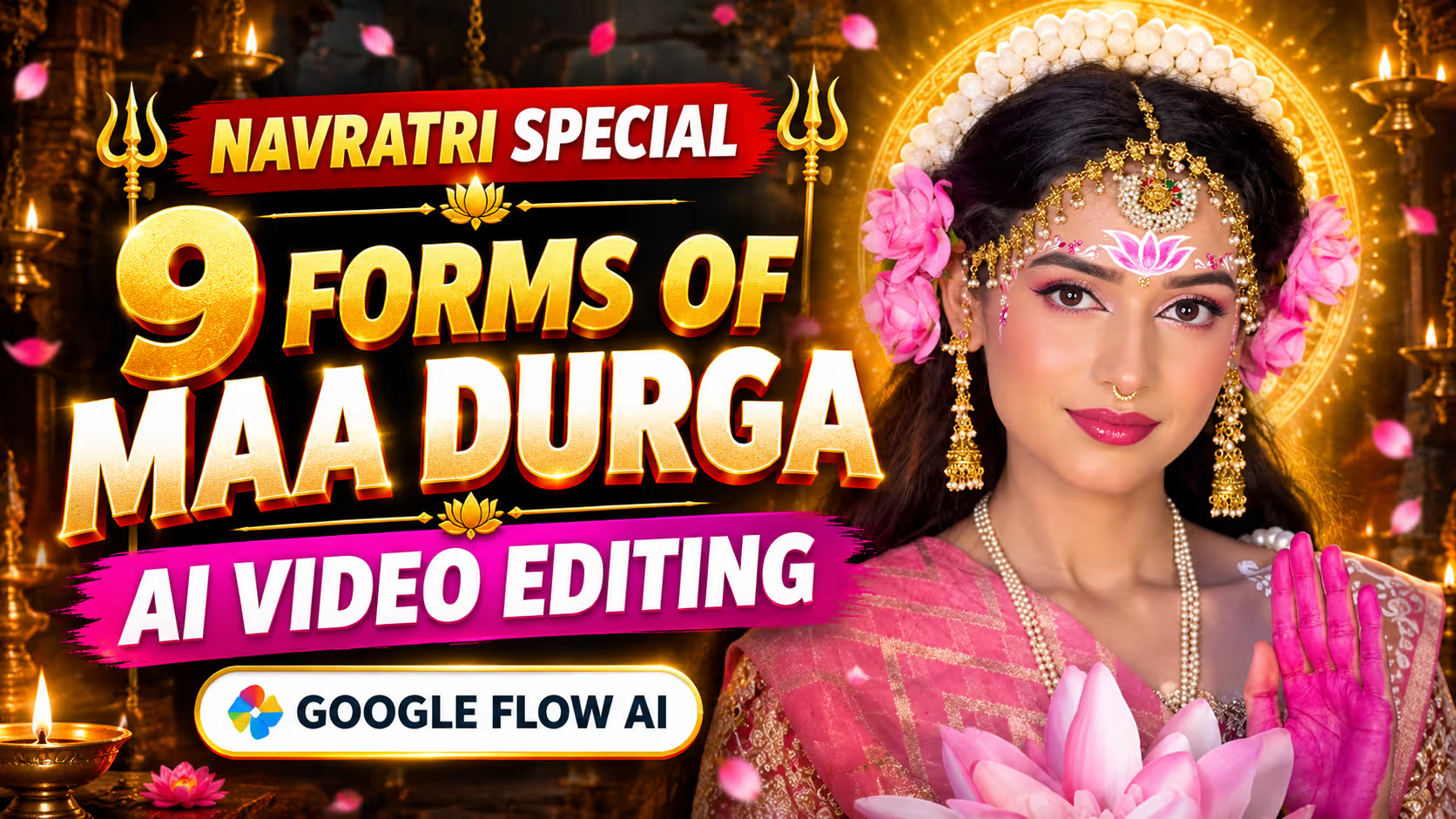
Navratri is a wonderful time to share creative photos and videos inspired by Indian traditions, colourful outfits, and devotional themes. One video style that can make your festive posts stand out is a cinematic AI transformation video. It starts with an ordinary portrait and gradually changes into a beautiful divine-inspired look with traditional clothing, jewellery, flowers, and a glowing background.
The interesting part is that you do not necessarily need to record every scene yourself. With a suitable AI video generation tool, you can use your own photo as a visual reference and create a short transformation video. You can then combine the clips, make a few adjustments, and prepare the final video for Instagram Reels or YouTube Shorts.
In this guide, you will learn how to create a cinematic Navratri AI video using your own photo. We will cover the tools you can try, how to prepare your image, ready-to-use prompts, the complete process, and some common problems you may encounter.
What Is a Cinematic Navratri AI Video?
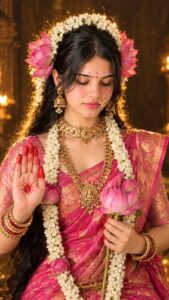
A cinematic Navratri AI video is a short video created with the help of artificial intelligence. It uses visual elements inspired by Navratri, such as traditional sarees, golden ornaments, flower garlands, lotus flowers, temple settings, and warm lighting. For example, a video may begin with a normal portrait. As the scene progresses, the person’s clothing changes into a traditional pink or red saree. A golden crown, decorative jewellery, and a beautiful temple background appear as part of the transformation. Smooth camera movement and floating flower petals can make the final result look more cinematic.
Some creators prefer a single divine-inspired look, while others create multiple transformations in separate clips. You can choose either approach depending on the style you want. The important thing to understand is that AI-generated visuals are artistic interpretations. They may look different each time you generate them, even when you use the same photo and prompt.
What Is Navratri and Why Is It Celebrated?
Navratri is an important Hindu festival celebrated in honour of Goddess Durga and the divine feminine power. The word “Navratri” comes from two Sanskrit words: “Nava,” meaning nine, and “Ratri,” meaning nights. The festival is celebrated over nine nights and ten days, with devotees worshipping different forms of Goddess Durga. It represents the victory of good over evil and the strength of faith, courage, and devotion.
During Navratri, people visit temples, perform prayers, observe fasts, decorate their homes, and participate in traditional dances such as Garba and Dandiya. Many devotees also wear colourful traditional clothes and share festive photos and videos on social media. Navratri is a time for spiritual reflection, cultural celebration, and bringing families and communities together.
Navratri AI Photo Prompt
Create Your Image
Navratri Video Prompt
Video Prompt 1
Video Prompt 2
How to Create a Navratri AI Video Using Your Own Photo?
To create this cinematic Navratri video, you first need to generate a divine-inspired image using ChatGPT. After that, you can use the generated image in Google Flow to turn it into a video.
- First, open ChatGPT and use the Navratri photo generation prompt provided in this article. Upload your personal photo so the AI can use it as a reference.
- Generate your divine-inspired Navratri image with a traditional saree, beautiful jewellery, a decorative crown, and a cinematic background. Save the final image to your device.
- Next, open Google Flow in your browser and sign in with your Google account. Start a new project and select the available image-to-video generation option.
- Upload the image you created with ChatGPT. This image will serve as the visual reference for your Navratri transformation video.
- Now, copy the video generation prompt provided in this article and paste it into the prompt box. Describe the desired movements, lighting, flower petals, and cinematic effects.
- Generate the first video clip and preview the result. If you want another divine-inspired look, create a second image using ChatGPT and repeat the same process with the second video prompt.
- Once both clips are ready, combine them in a video editing app. Add a smooth transition and suitable devotional music to complete your video.
- Finally, export your video in a vertical 9:16 format for Instagram Reels or YouTube Shorts.
Create Your Video
Tips for Better Results
For better results, upload a clear, well-lit photo to ChatGPT and use the complete Navratri photo prompt provided in this article. Make sure the generated image preserves your original facial features and natural skin tone. Before downloading it, check that the outfit, jewellery, and background look natural and match your desired Navratri look.
Next, upload the final image generated by ChatGPT to Google Flow and use the video prompt to describe natural movements, flowing fabric, floating flower petals, and cinematic camera effects. Preview the generated clips, combine the best results with smooth transitions, and export your final video in a vertical 9:16 format for Instagram Reels or YouTube Shorts.
Common Mistakes to Avoid
Avoid using a blurry photo or a vague image prompt, as these can affect the quality of your Navratri look. Follow the correct process: first generate your divine-inspired image in ChatGPT, then upload that image to Google Flow to create the video. Always check the generated image before moving to the next step.
Do not use an unclear video prompt or add too many visual effects, as this may make the final result look unnatural. Preview the video before editing and check for facial changes, distorted hands, or unusual movements. Remember that AI-generated results may vary, so adjust your prompt or generate another version if the first result does not meet your expectations.
Frequently Asked Questions (FAQs)
Can I create a Navratri AI video using my own photo?
Yes, you can create a Navratri-inspired AI video using your own photo. First, generate a divine-inspired image in ChatGPT using your photo and the provided prompt. Then upload the generated image to Google Flow to create a video.
How do I create a Maa Durga or Maa Lakshmi look with AI?
Upload your photo to ChatGPT and use a detailed prompt describing the traditional saree, jewellery, crown, and background. Customize the prompt to create a Maa Durga-inspired or Maa Lakshmi-inspired look.
Can I use Google Flow to animate an image generated by ChatGPT?
Yes, if image-to-video generation is available in your Google Flow account. Upload your generated image, enter the video prompt, and generate your clip using the available options.
Do I need video editing skills to create this Navratri video?
No advanced editing skills are required. You can generate the image in ChatGPT, animate it in Google Flow, and use a simple video editing app to combine clips and add transitions.
Can I post my Navratri AI video on Instagram Reels and YouTube Shorts?
Yes, you can share your finished video on these platforms. A vertical 9:16 format is generally suitable for Reels and Shorts. Make sure you follow the platforms’ content rules.
Final Thoughts
Creating a cinematic Navratri AI video with your own photo is a simple and creative way to celebrate the festive season. By generating a divine-inspired image in ChatGPT and animating it with Google Flow, you can create a beautiful Maa Durga-inspired or Maa Lakshmi-inspired video without needing advanced editing skills.
Use the photo and video prompts shared in this article, check each result carefully, and make small adjustments whenever needed. With the right prompts and a little creativity, you can create a unique Navratri video to share with your friends and followers on Instagram Reels or YouTube Shorts.